Travel Atlas
newA live world map of every city you've been. Embed it the same way.
Sample of 16 cities across 6 continents — try the four themes.
Travel footprint poster templates
What this template gives you
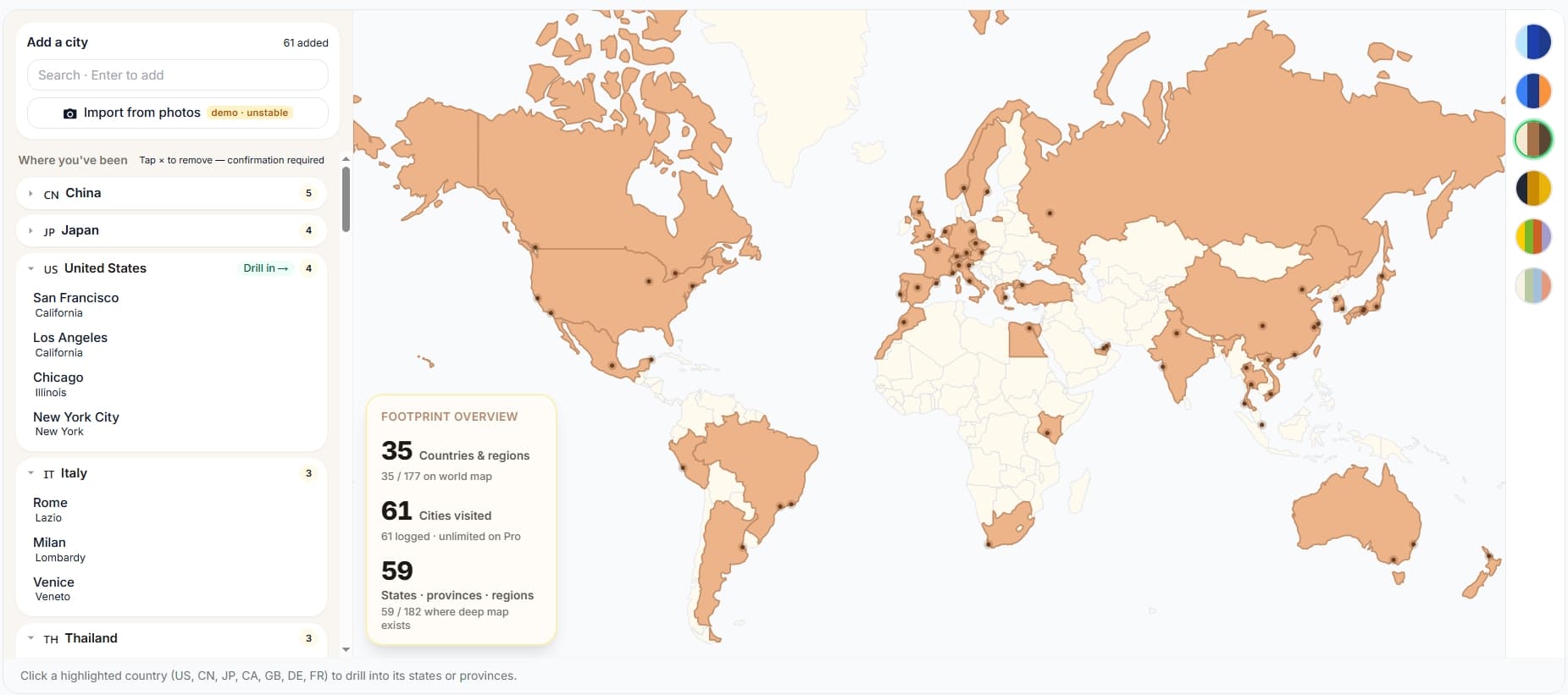
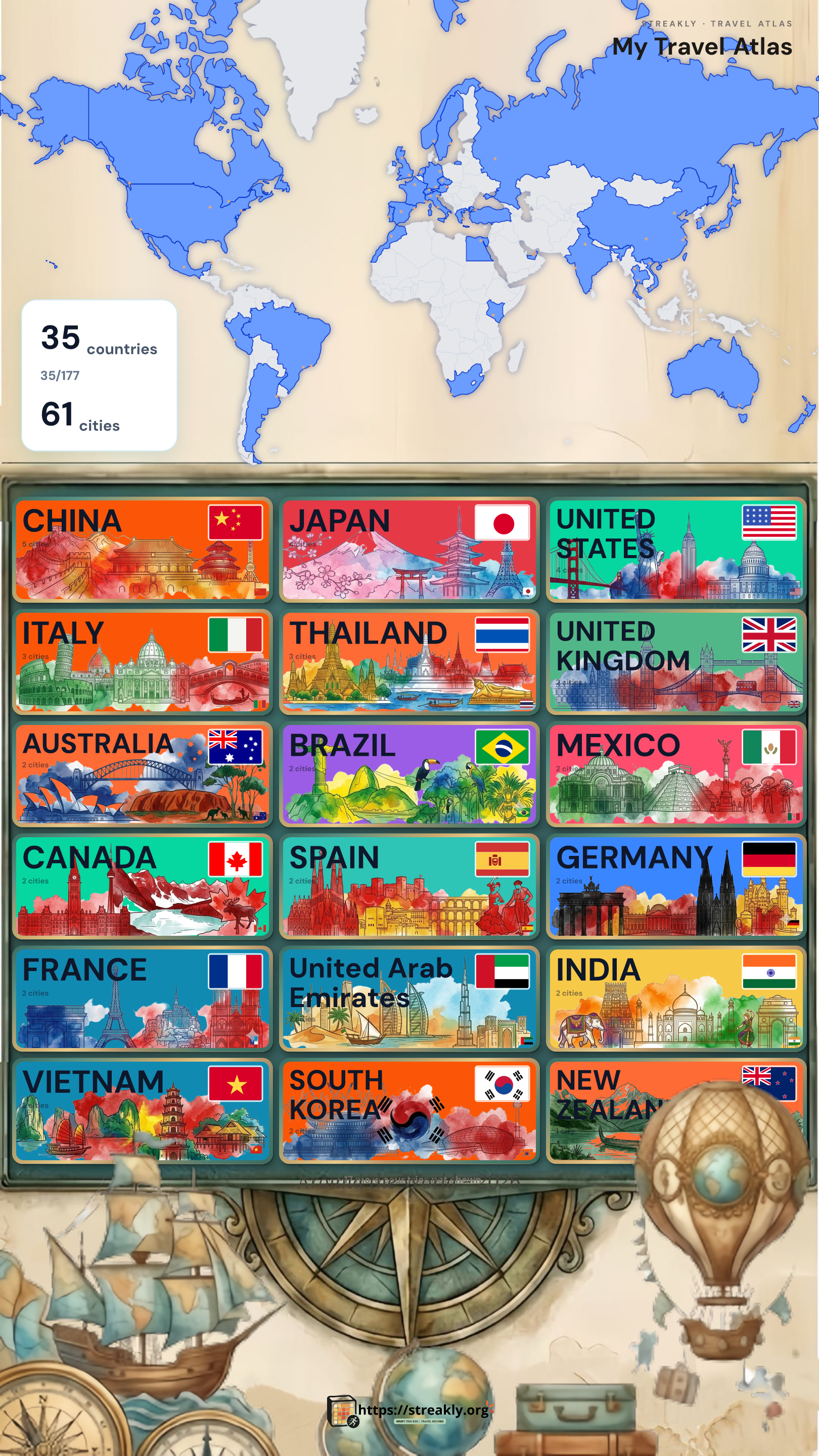
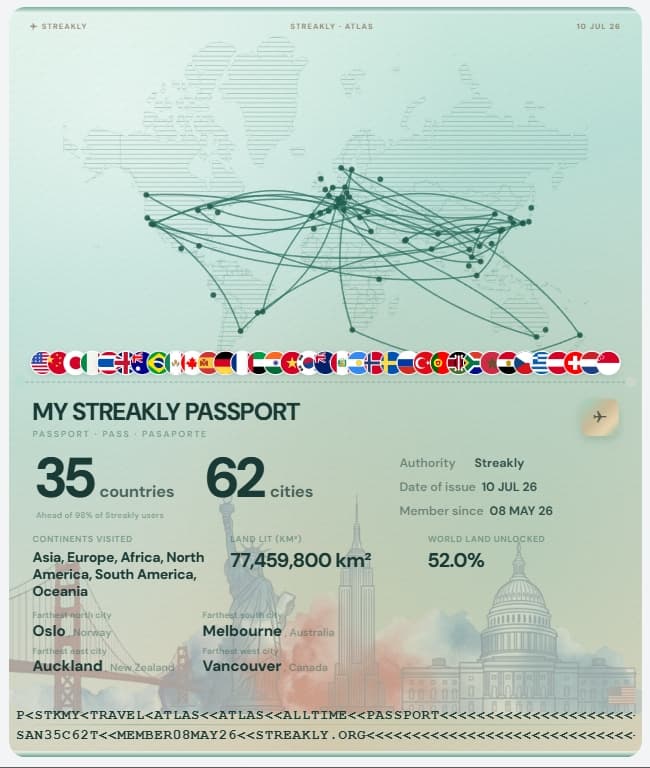
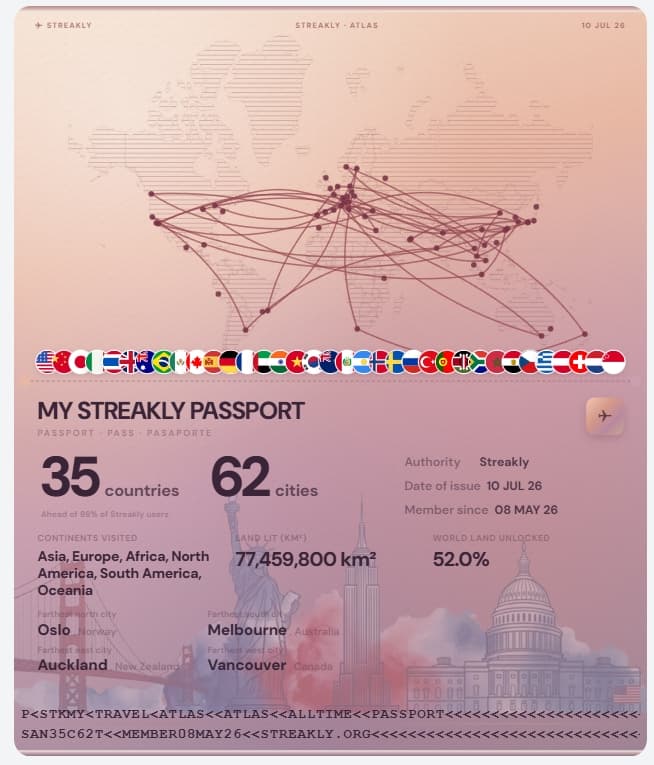
If you searched for a countries visited map, countries I've visited map, or a country visit tracker you can embed in Notion — this template is for you. Streakly's Travel Atlas is a live world map (not a static image): each city is a dot, countries fill when you add a trip, and seven regions (US, CN, JP, CA, GB, DE, FR) support state/province drill-down. Paste one embed URL into Notion and the map stays updated.
3 steps to your Notion travel page
- 1
Step 1 — Create the atlas & add cities
Start from streakly.org — pick Travel atlas when creating the widget.
- •Click Try it now (no signup) or open Dashboard → New widget → Travel atlas.
- •Name the map — e.g. My trips, 2024 travels, or Digital nomad years.
- •In Add city, type a city name in English or Chinese (Tokyo, 东京, Paris all work).
- •Select the correct row from search — check the country subtitle (e.g. Tokyo · Japan).
- •Repeat for every city you've visited. Stats at the top update: countries, cities, regions.
- •Optional: click a highlighted country on the map to open the state/province view.
- 2
Step 2 — Copy the embed URL
Same mechanism as the habit heatmap — one URL per atlas widget.
- •Scroll to Share & embed in the atlas editor.
- •Copy the embed link (https://streakly.org/embed/your-atlas-slug).
- •Choose a map theme under Appearance if you want (Aurora, Midnight, Atlas Classic, etc.) — the embed updates automatically.
- 3
Step 3 — Embed in Notion
Works in travel journals, annual reviews, portfolio pages, and team trip logs.
- •Create or open a Notion page — e.g. ✈️ Travel log.
- •Type /embed, paste your Streakly atlas URL, press Enter.
- •Resize to full width so the world map has room (especially for desktop).
- •Optional: add a heading above — Where I've been — and a text block below for trip notes.
- •Share the Notion page: viewers see the map; only you can add/remove cities from the embed.
Template tips
Frequently asked
›Is this a downloadable .notion file?
No — it's a live embed template. You paste a URL into Notion; the map stays updated when you add cities on Streakly. No duplicate static map to maintain.
›Which countries have drill-down?
United States (50 states), China (provinces incl. HK/Macao/Taiwan labels), Japan (prefectures), Canada, UK, Germany, and France.
›Can I use it outside Notion?
Yes — the same embed URL works in Coda, Capacities, personal sites, or any iframe-friendly tool.
Also useful
Ready to start your streak?
Free forever for one tracker. Pay once for unlimited and lifetime updates.