Travel Atlas
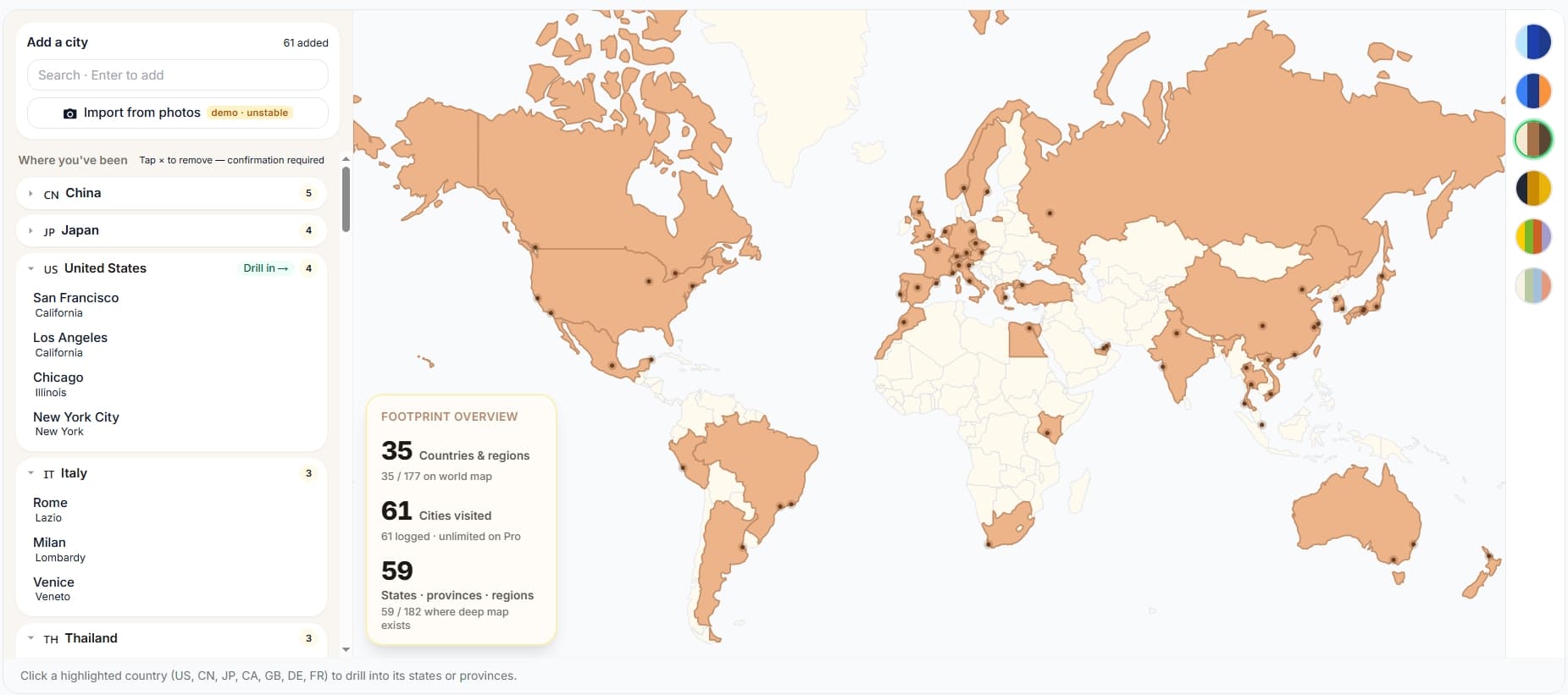
newA live world map of every city you've been. Embed it the same way.
Sample of 16 cities — try the map themes.
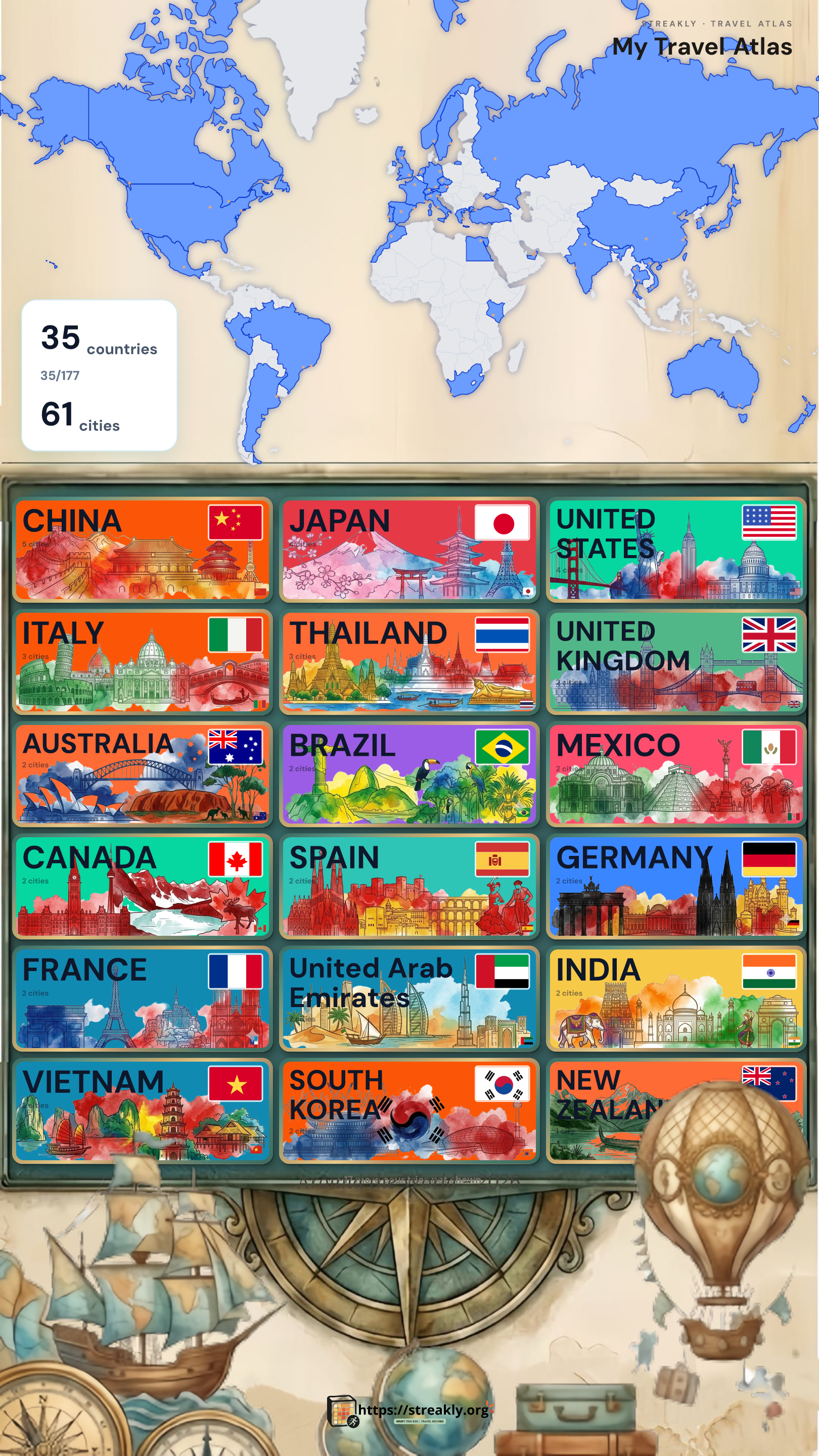
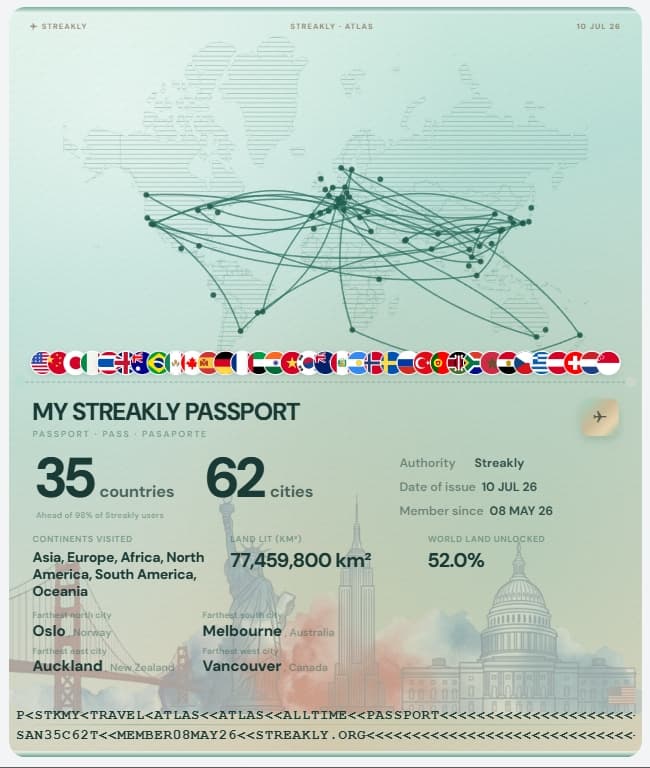
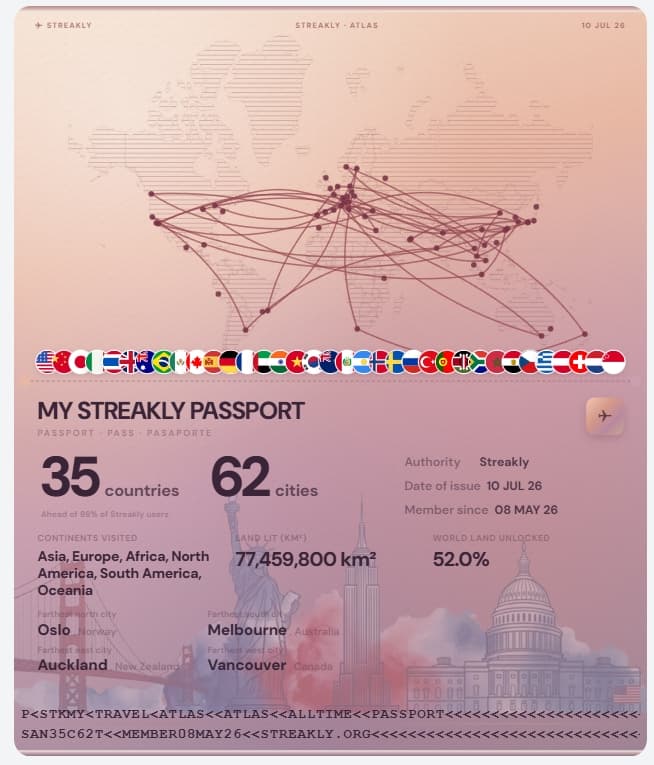
Travel footprint poster templates
What this template gives you
If you searched for a countries visited map, countries I've visited map, or a country visit tracker you can embed in Notion — this template is for you. Streakly's Travel Atlas is a live world map (not a static image): each city is a dot, countries fill when you add a trip, and seven regions (US, CN, JP, CA, GB, DE, FR) support state/province drill-down. Paste one embed URL into Notion and the map stays updated.
3 steps to your Notion travel page
- 1
Step 1 — Create the atlas & add cities
Start from streakly.org — pick Travel atlas when creating the widget.
- •Click Try it now (no signup) or open Dashboard → New widget → Travel atlas.
- •Name the map — e.g. My trips, 2024 travels, or Digital nomad years.
- •In Add city, type a city name in English or Chinese (Tokyo, 东京, Paris all work).
- •Select the correct row from search — check the country subtitle (e.g. Tokyo · Japan).
- •Repeat for every city you've visited. Stats at the top update: countries, cities, regions.
- •Optional: click a highlighted country on the map to open the state/province view.
- 2
Step 2 — Copy the embed URL
Same mechanism as the habit heatmap — one URL per atlas widget.
- •Scroll to Share & embed in the atlas editor.
- •Copy the embed link (https://streakly.org/embed/your-atlas-slug).
Template tips
Frequently asked
›Is this a downloadable .notion file?
No — it's a live embed template. You paste a URL into Notion; the map stays updated when you add cities on Streakly. No duplicate static map to maintain.
›Which countries have drill-down?
United States (50 states), China (provinces incl. HK/Macao/Taiwan labels), Japan (prefectures), Canada, UK, Germany, and France.
›Can I use it outside Notion?
Yes — the same embed URL works in Coda, Capacities, personal sites, or any iframe-friendly tool.
Also useful
Ready to start your streak?
Core tracking features are free to use. If Streakly helps you, you can back us in the app to support continued maintenance and updates.